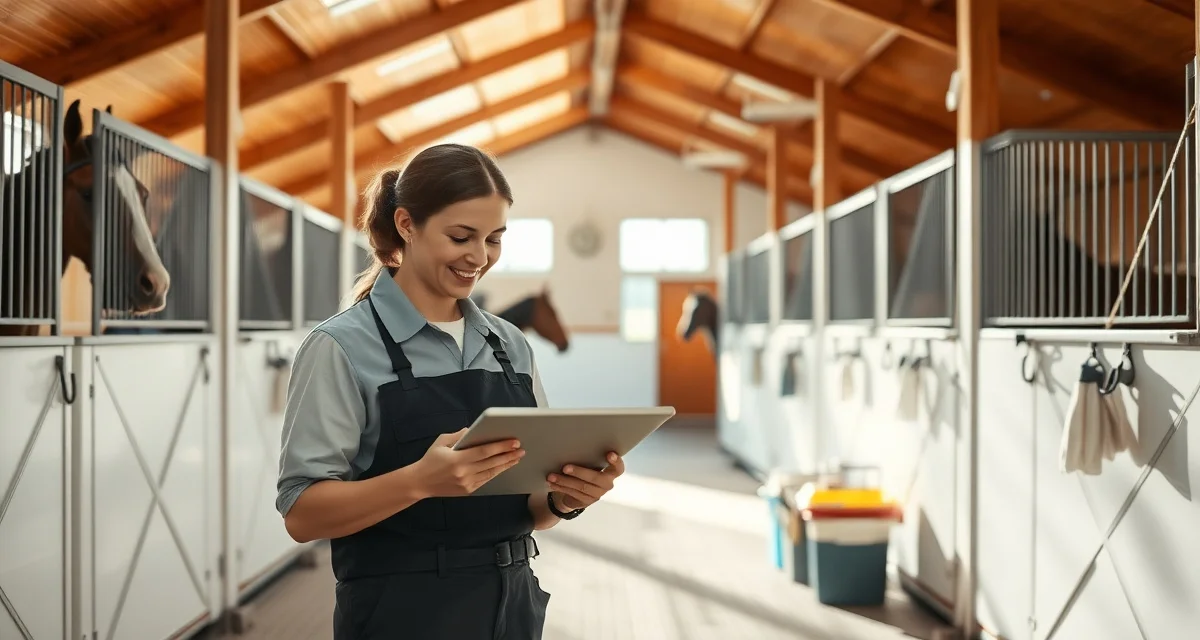
Horse Barn Cleaning Schedule Software: Digital vs Paper
Paper stall logs have one fatal flaw: they tell you a task was marked done, not whether it was actually done well. Facilities with digital cleaning accountability see 44% fewer stall quality complaints, and the reason is straightforward. When every stall cleaning is timestamped to a specific staff member with optional photo documentation, accountability stops being a conversation and starts being a record.
TL;DR
- The most important feature to evaluate in stall cleaning software is whether it timestamps completions by individual staff member.
- Photo attachment capability is critical for flagged stalls, post-illness recovery, and foaling stall documentation.
- Software that only captures done/not done without staff attribution cannot answer accountability questions when problems arise.
- Mobile access at the stall door is essential; tools that require logging in at a desktop will not be used consistently.
- Compare whether the software supports escalation workflows for flagged stalls, not just task completion tracking.
This comparison breaks down what digital horse barn cleaning schedule software actually does differently from paper, where paper still holds up, and what to look for when evaluating tools.
TL;DR Verdict
| Factor | Paper | Digital (e.g., BarnBeacon) |
|---|---|---|
| Task assignment | Manual, whiteboard or printed sheet | Per-stall, per-staff, automated |
| Completion tracking | Checkbox or signature | Timestamped with staff ID |
| Photo documentation | Not possible | Attached per stall at completion |
| Manager oversight | In-person or end-of-day review | Real-time from any device |
| Accountability trail | Easily lost or altered | Permanent, searchable log |
| Setup time | Immediate | 1-2 hours initial configuration |
| Cost | Near zero | Subscription (varies by facility size) |
If you manage a small private barn with one or two trusted staff, paper may be sufficient. If you run a boarding, training, or competition facility with rotating staff and paying clients, digital wins on every metric that matters.
How Paper Cleaning Schedules Work (And Where They Break Down)
A paper system typically means a printed or handwritten sheet posted in the barn aisle. Staff check off stalls as they finish. A manager reviews it at the end of the day, or doesn't.
The problems compound quickly at scale. There is no way to know when a stall was cleaned, only that someone marked it done. There is no record of who did it. If a boarder complains about a wet stall at 2 PM, you have no way to verify whether it was cleaned at 7 AM or skipped entirely.
Paper also creates friction around accountability conversations. Without a timestamp or a name attached to a specific stall, any discussion about quality becomes subjective. That is a management problem that costs time and erodes staff trust.
What Digital Horse Barn Cleaning Schedule Software Actually Does
A purpose-built equine facility cleaning app does several things paper cannot.
Per-Stall Task Assignment
Digital tools let you assign specific stalls to specific staff members, not just a general "clean stalls" task. This matters when you have multiple grooms working different sections of the barn. Each person sees exactly what they are responsible for, and the system knows who completed what.
This also makes onboarding faster. New staff do not need to memorize a verbal briefing about which stalls are theirs. They open the app and see their list.
Timestamped Completion Logging
Every time a staff member marks a stall as cleaned, the system records the time and the user account. This is the single biggest operational difference from paper. A manager reviewing the log at any point in the day can see that Stall 14 was cleaned at 8:23 AM by a specific groom, not just that it was checked off at some point.
BarnBeacon timestamps every stall cleaning with the responsible staff member, creating a permanent record that cannot be retroactively altered. This matters for client disputes, insurance documentation, and internal performance reviews.
Photo Documentation at Completion
Some facilities require photographic proof of stall condition before and after cleaning. Digital tools that support photo attachments let staff snap a quick image when they mark a stall complete. This is not about distrust. It is about having a standard of evidence when questions arise.
What some tools lack is this granularity. If your software tracks task completion at the barn level rather than the stall level, you lose the specificity that makes accountability meaningful. Look for stall-by-stall completion tracking with photo support, not just a general daily checklist.
Real-Time Manager Oversight
With paper, a manager has to physically walk the barn or wait for end-of-day reports to know where things stand. Digital dashboards show completion status in real time from any device. If it is 10 AM and six stalls are still unchecked, a manager can intervene before it becomes a problem.
This is especially valuable for facilities where the manager is not on-site full time, or where multiple properties need to be monitored from one location.
Comparing the Two Systems Side by Side
Task Assignment
Paper requires someone to physically post or distribute a schedule. Changes require reprinting or crossing out. Digital systems let you update assignments from a phone in seconds, and staff see the change immediately.
For facilities with variable staffing, like those using part-time help on weekends, digital assignment is significantly more reliable. You are not hoping someone read the updated whiteboard.
Accountability and Audit Trail
This is where the gap is largest. Paper offers no reliable audit trail. Digital systems create one automatically. If you need to review who cleaned a specific stall on a specific date three weeks ago, a digital log makes that a 30-second search. With paper, that record is either gone or buried in a filing cabinet.
For boarding facilities, this kind of documentation protects you. If a horse develops a health issue and a boarder questions whether stall hygiene was maintained, you have a complete record.
Quality Verification
Marking a task complete and completing it to standard are two different things. Digital tools with photo documentation close that gap. A manager can review photos without being present, and patterns become visible over time. If one groom's stalls consistently show wet bedding in photos, that is a coaching conversation grounded in evidence.
You can build a more detailed quality framework by pairing your digital tool with a structured stall cleaning schedule that defines exactly what "complete" means for each task.
Integration with Daily Operations
A digital system works best when it is part of a broader daily workflow, not a standalone checklist. Tools that connect stall cleaning to feeding schedules, turnout rotations, and health monitoring give managers a single view of barn operations. A well-structured barn daily checklist is the foundation that makes this integration practical.
Who Should Use Each System
Paper Works If:
- You are the only person cleaning stalls
- You have a small private barn with one or two long-term, trusted staff
- You have no paying boarders or clients who expect accountability documentation
- Budget is a hard constraint and digital tools are not feasible
Digital Is the Right Choice If:
- You have three or more staff involved in stall cleaning
- You run a boarding, training, or competition facility
- You have had disputes or complaints about stall quality
- Your manager is not on-site during all cleaning hours
- You need documentation for insurance, liability, or client reporting purposes
- You want to reduce the time spent on verbal check-ins and follow-up
Most commercial equine facilities hit at least three of those criteria. The question is not really whether digital is better. It is whether the operational cost of paper is visible enough to justify switching.
What to Look for in an Equine Facility Cleaning App
Not all digital tools are built for barn operations specifically. General task management apps like Trello or Asana can technically track cleaning tasks, but they are not designed around stall-level granularity or equine workflows.
When evaluating a purpose-built equine facility cleaning app, look for:
- Stall-by-stall completion tracking, not just barn-level task lists
- Timestamped logs tied to individual staff accounts, not shared logins
- Photo attachment support at the point of task completion
- Mobile-first design that works in a barn environment with gloves on
- Manager dashboard with real-time visibility across the facility
- Audit history that is searchable and exportable
If a tool cannot tell you which staff member cleaned a specific stall and when, it is not solving the accountability problem. It is just digitizing a checkbox.
FAQ
What should a stall cleaning schedule include?
A complete stall cleaning schedule should specify the stall or zone, the assigned staff member, the tasks required (removing manure, replacing bedding, scrubbing water buckets, checking for hazards), and the expected completion time. It should also define what "complete" looks like so there is a consistent standard across staff. Digital systems let you embed these task definitions directly into each stall's checklist.
How do I track which staff member cleaned each stall?
The most reliable method is a digital system where each staff member logs in with their own account and marks tasks complete individually. This creates a timestamped record tied to a specific user. Paper sign-off sheets can work at small scale, but they are easy to falsify and offer no timestamp. If accountability is a priority, individual logins with per-stall completion logging is the only method that holds up under scrutiny.
How do I verify stalls are cleaned to standard?
Photo documentation at the point of completion is the most practical verification method for managers who are not present during cleaning. Staff attach a photo when marking a stall done, and managers can review it remotely. Pairing photo documentation with a defined cleaning standard, such as a written checklist of what each completed stall should look like, gives you an objective benchmark to compare against. Spot checks and periodic in-person audits remain valuable even with digital documentation in place.
What is the most important feature to look for in stall cleaning software?
The single most important feature is timestamped completion tied to a specific logged-in staff member. Any software can capture whether a stall was cleaned; only software with staff attribution and timestamps can answer the accountability questions that arise when a horse health issue needs to be correlated with cleaning history. Secondary priorities are mobile usability at the stall door, photo attachment for flagged stalls, and an escalation workflow for conditions needing manager review.
Can stall cleaning software integrate with health monitoring records?
The best barn management platforms connect stall condition records directly to the horse's health log, so a pattern of abnormal manure volume or repeatedly wet stalls is visible in the same place as temperature readings and vet visit notes. Standalone stall cleaning tools that do not integrate with health records require manual cross-referencing to see those correlations, which most managers do not have time to do consistently.
Sources
- American Association of Equine Practitioners (AAEP)
- University of Minnesota Extension Equine Program
- Penn State Extension Horse Management Program
- The Horse magazine
Get Started with BarnBeacon
BarnBeacon gives stall cleaning accountability what paper checklists cannot: timestamps tied to individual staff members, photo documentation for flagged stalls, and a searchable record that managers can access from anywhere. When a horse health issue requires tracing back to barn conditions, the record is there. If you are evaluating stall cleaning software and accountability features are your priority, BarnBeacon is built to answer the questions that matter most when something goes wrong.